
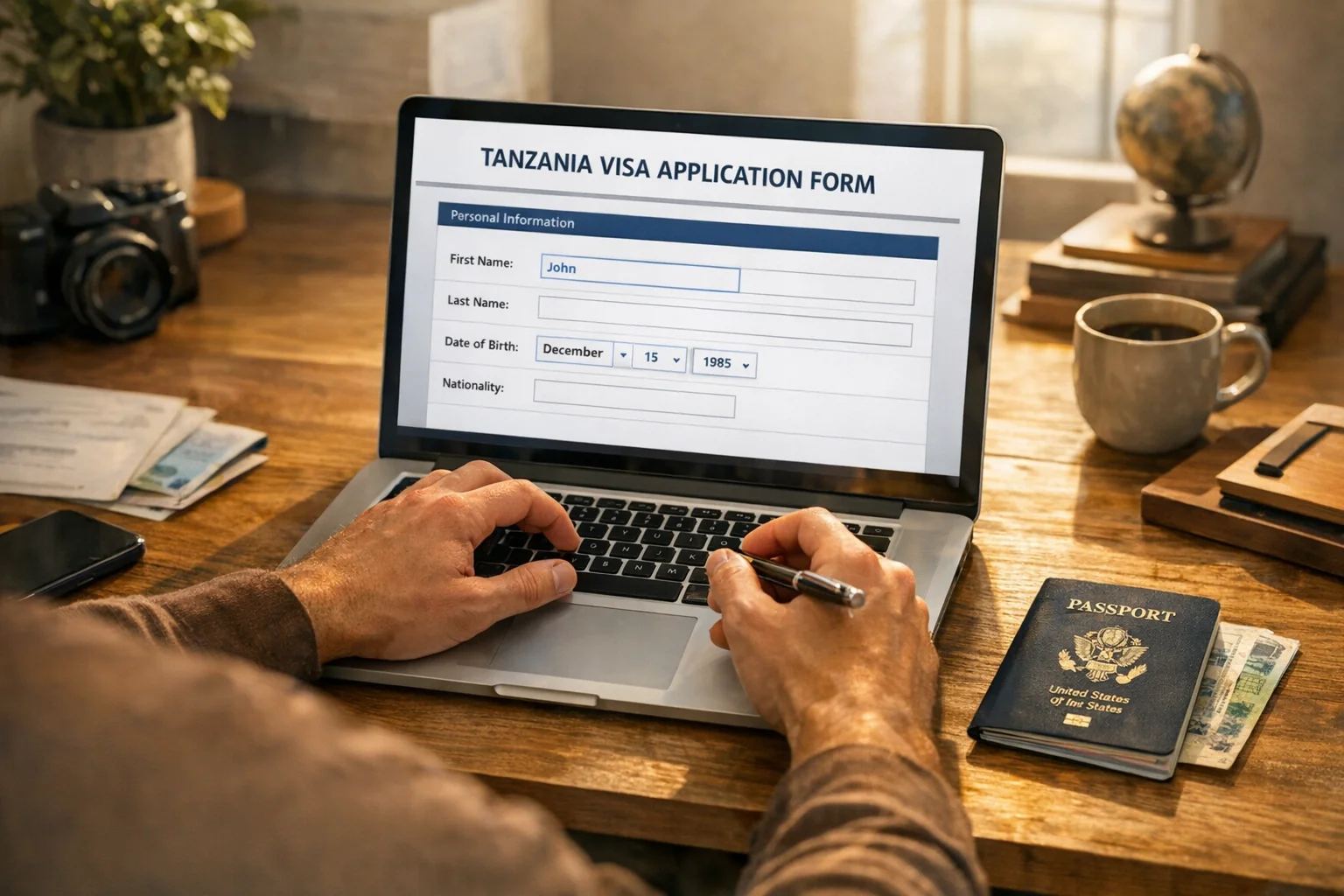
The Tanzania e-Visa application is a straightforward online process — but small mistakes cause delays or rejections. This step-by-step guide covers every screen, every field, and every requirement on the official Tanzania Immigration portal so your application goes through without issues the first time.
Overview: Tanzania e-Visa Application at a Glance
- Where: eservices.immigration.go.tz (official Tanzanian government portal)
- Time to complete: 20–30 minutes
- Fee: $50 USD (single entry tourist), $100 USD (multiple entry), $250 USD (business)
- Processing: 3–10 business days
- Result delivered: PDF e-Visa by email and downloadable from your account
- Eligibility: Nationals of 160+ countries
Before starting, see Tanzania e-Visa requirements to confirm your nationality is eligible and check the Tanzania e-Visa cost breakdown.
Pre-Application Checklist
Print or bookmark this checklist and verify each item before you begin:
- Passport valid for 6+ months beyond your departure date from Tanzania
- Passport has 2+ blank visa pages
- Passport data page scanned clearly (color, 300 DPI or higher, all text legible)
- Passport photo ready: white background, recent, JPEG, minimum 300×300px
- Return/onward ticket PDF or screenshot saved
- Hotel booking confirmation or safari itinerary or host invitation letter
- Email address accessible
- Visa or Mastercard ready for $50 payment
Step 1: Navigate to the Official Portal
Open your browser and go to:
https://eservices.immigration.go.tz
This is the only official government portal for Tanzania e-Visa applications. Key identifiers of the genuine site:
- Domain ends in .go.tz (Tanzanian government domain)
- No upfront payment before form completion
- No service fees beyond the stated government rate
If a site shows prices higher than $50 for a tourist single-entry visa before you have even started the form, it is a third-party agent site — not the official portal. See our Tanzania e-Visa scam warning for how to spot unauthorized sites.
Step 2: Register Your Account
From the portal homepage:
- Click "Apply for e-Visa" or "New Application"
- Enter your email address (use one you check regularly)
- Create a strong password (8+ characters, mix of letters, numbers, symbols)
- Click "Register" or "Create Account"
- Open your email inbox and click the verification link sent by the system
- Return to the portal and log in with your credentials
> Tip: Use your personal email, not a work address, to ensure you receive all notifications. The approval notification and e-Visa download link will come to this address.
Step 3: Start a New Application
After logging in:
- Click "Apply for e-Visa" from your dashboard
- Select visa type:
- Tourist Single Entry — for holidays, tourism, visiting family, one trip (90 days max stay)
- Tourist Multiple Entry — for multiple trips within 12 months (90 days max per entry)
- Business — for business meetings, conferences, commercial activities
- Transit — for passing through Tanzania to another country (7 days max)
- Confirm your nationality and check you are eligible
Step 4: Enter Personal Information
This section must match your passport exactly — character for character.
Required fields:
| Field | What to Enter |
|---|---|
| First name | As on passport (no titles like Mr/Mrs) |
| Middle name | As on passport, or leave blank if none |
| Last name/Surname | As on passport |
| Date of birth | DD/MM/YYYY format |
| Gender | As on passport |
| Nationality | Country of citizenship |
| Country of birth | Country where you were born |
| Marital status | Select from dropdown |
| Occupation/profession | Your job title |
Common error: Some travelers enter a preferred name or shortened version of their name. Always use the exact full name on your passport. Discrepancies at the border can cause entry problems.
Step 5: Enter Passport Details
| Field | What to Enter |
|---|---|
| Passport type | Ordinary/Regular (not diplomatic or official) |
| Passport number | Exactly as shown (case sensitive, no spaces) |
| Passport issue date | As on passport |
| Passport expiry date | Must be 6+ months after your Tanzania departure |
| Country of issue | Country that issued your passport |
| Place of issue | City/office where passport was issued |
Check: Is your passport valid for at least 6 months beyond your last day in Tanzania? If not, renew your passport before applying for the e-Visa.
Step 6: Enter Travel Information
| Field | What to Enter |
|---|---|
| Intended arrival date | Your planned first day in Tanzania |
| Intended departure date | Your planned last day in Tanzania |
| Port of entry | Nearest airport or border crossing |
| Purpose of visit | Tourism, business, transit, etc. |
| Accommodation address | Full address of your first hotel/host |
| Length of stay | Number of days you intend to stay |
| Countries visited in last 6 months | List all countries |
Port of entry options (airports):
- Julius Nyerere International Airport — Dar es Salaam (DAR)
- Kilimanjaro International Airport — Arusha/Moshi (JRO)
- Zanzibar International Airport — Zanzibar City (ZNZ)
- Abeid Amani Karume International Airport (ZNZ is main Zanzibar)
- Plus multiple land border crossings
Step 7: Emergency Contact Information
Enter the details of someone who is NOT traveling with you:
- Full name
- Relationship (family, friend, colleague)
- Phone number (include country code)
- Email address
- Address
This is a required field. The emergency contact should be someone in your home country who can be reached if needed.
Step 8: Upload Documents
Document 1 — Passport data page:
- Format: JPEG or PDF
- Maximum file size: 2MB
- Requirements: Color scan, all text clearly readable, no shadows or glare, full page visible
- The page must show: your photo, full name, nationality, passport number, issue date, expiry date, and your signature
Document 2 — Passport-style photograph:
- Format: JPEG
- Size: Minimum 300×300 pixels, maximum 2MB
- Background: White or off-white only
- Expression: Neutral expression, mouth closed
- Head position: Facing directly forward, eyes open
- Coverage: Face must be 70–80% of the photo frame
- Glasses: Not permitted (even clear lens frames)
- Head coverings: Only for verifiable religious reasons
- Recency: Taken within the last 6 months
- No filters, enhancements, or digital alterations
See our complete Tanzania e-Visa photo requirements guide with example images.
Document 3 — Return/onward ticket:
- Your confirmed flight booking showing departure from Tanzania (or onward journey)
- Does not need to be a paid ticket — a booking confirmation is acceptable
- Must show your name, flight dates, and route
Document 4 — Accommodation proof:
- Hotel booking confirmation with your name, dates, and hotel address
- OR safari operator booking confirmation
- OR letter of invitation from your host in Tanzania (with their full name, address, phone, and copy of their ID/passport)
For business visa applicants, additionally upload:
- Invitation letter from Tanzanian company (on letterhead, signed by authorized signatory)
- Company registration certificate of the Tanzanian host company
- Your employer's letter confirming purpose of business visit
- Copy of host's national ID or passport
Step 9: Review Your Application
Before submitting, the portal will show you a full summary of all entered information.
Carefully verify:
- Full name matches passport exactly
- Passport number is correct (no transposed digits)
- Passport expiry date is correct
- Travel dates are realistic
- Accommodation address is complete (street, city, country)
- All uploaded documents are clear and meet specifications
This is your last chance to make corrections before payment. After payment, you cannot edit the application.
Step 10: Pay the Application Fee
Tanzania e-Visa government fees:
| Type | Fee |
|---|---|
| Tourist Single Entry | $50 USD |
| Tourist Multiple Entry | $100 USD |
| Business e-Visa | $250 USD |
| Transit e-Visa | $30 USD |
Payment is processed via secure online form. Accepted cards: Visa, Mastercard (credit or debit). Some prepaid cards work, though this is not guaranteed.
After successful payment:
- You receive an email with your application reference number
- Your application enters the processing queue
- The fee is non-refundable regardless of outcome
Step 11: Track Your Application
Log back into the portal anytime to check status:
- Go to eservices.immigration.go.tz
- Log in with your credentials
- Navigate to "My Applications" or "Application Status"
- Enter your reference number or select your application from the list
Status meanings:
- Received — application logged in the system
- Under Review — immigration officers are reviewing your file
- Additional Information Required — you must log in and submit additional documents or clarification
- Approved — e-Visa ready for download
- Rejected — decision made against your application
See our Tanzania e-Visa status check guide for more detail.
Step 12: Download and Print Your e-Visa
When the status changes to Approved:
- Log into your portal account
- Navigate to your application
- Click "Download e-Visa"
- Save the PDF file to your device
- Print at least one copy on plain white paper (A4 size)
- Store the printout with your passport
You will also receive the e-Visa as an email attachment. Print it — Tanzanian immigration officers require a physical printed copy at the port of entry. See Tanzania e-Visa download and print.
What Happens at the Airport
On arrival in Tanzania:
- Join the immigration queue
- Present your passport + printed e-Visa
- Answer standard immigration questions (purpose of visit, accommodation, duration)
- Have your return ticket and accommodation booking accessible
- Receive your passport stamp — entry granted
See Tanzania e-Visa at the airport for a full arrival walkthrough.
Tanzania e-Visa Application Tips
- Apply 3 weeks early — give yourself buffer time if there are any issues
- Use only the official portal — save $20–$100 in unnecessary agent fees
- Double-check your name — ensure it matches your passport letter by letter
- Use a good quality photo — photo rejections are the #1 application error
- Keep your documents organized — save all application emails and your reference number
- Don't book non-refundable tickets first — get your e-Visa approved before finalizing travel plans
Frequently Asked Questions
Related guides: Requirements | Fees | Processing Time