
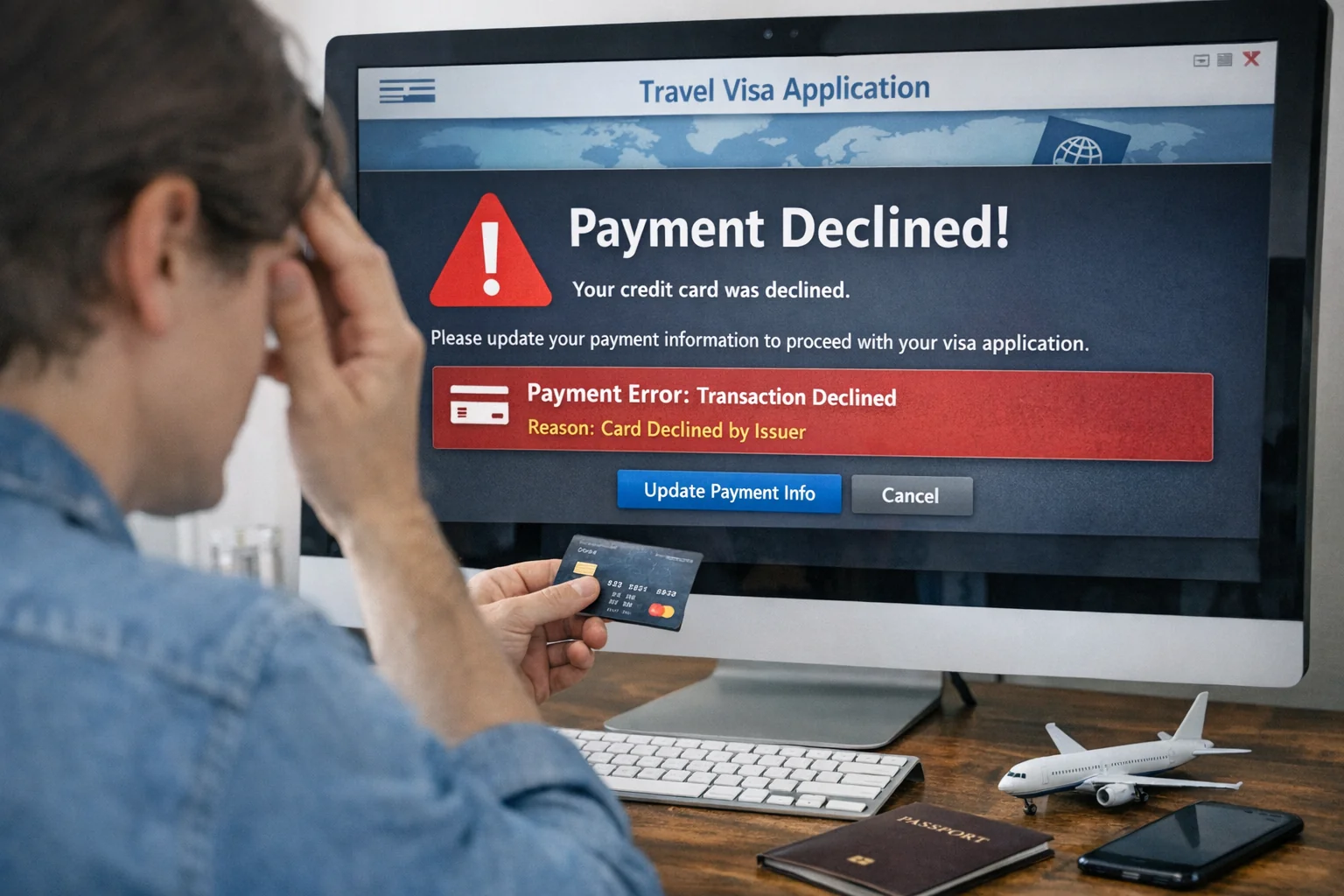
If your Tanzania e-Visa payment fails, the most common causes are card security blocks, unsupported card types, or browser/connectivity issues — most can be resolved within minutes by trying a different card, clearing your browser, or using the Swift bank transfer option as a fallback. Tanzania Immigration Services officially accepts Visa card, Mastercard, and Swift transfer as payment methods on the e-Visa portal at visa.immigration.go.tz.
Why Tanzania e-Visa Payment Fails
Payment failures on the Tanzania e-Visa portal occur for several documented reasons:
1. Card Declined by Your Bank (Most Common)
Your bank's fraud detection may block an international government website transaction. This is the most frequent cause reported by travelers. The Tanzania e-Visa portal processes payments through an international gateway that some banks treat as suspicious.
Fix: Call your bank's international transactions department before applying, or send a quick notification through your banking app that you are making an international government payment.
2. Unsupported Card Type
The official Tanzania e-Visa portal accepts Visa Card and Mastercard only. American Express, Discover, UnionPay, and prepaid debit cards frequently cause failures.
Fix: Use a standard Visa or Mastercard credit or debit card. Avoid prepaid travel cards or virtual cards.
3. Insufficient Card Funds or Credit Limit
Even if your card works for international transactions, an insufficient balance or credit limit will cause the payment to be declined.
Fix: Ensure your card has at least $60 (single entry) or $110 (multiple entry / US citizens) available, including any foreign transaction fees your bank may add.
4. Browser or Technical Issues
The Tanzania e-Visa portal has compatibility issues with certain browsers, extensions, and cookie settings.
Fix:
- Use Google Chrome or Mozilla Firefox — most reliably compatible with the portal
- Disable VPN connections (VPNs frequently cause payment failures on government portals)
- Clear your browser cache and cookies before starting
- Disable browser ad-blocking extensions temporarily
- Ensure JavaScript is enabled
5. Payment Session Timeout
The e-Visa portal has a session timer. If you take too long completing the payment, the session expires and payment fails.
Fix: Have your card details ready before clicking "Pay." Complete the payment step within 5–10 minutes of entering the payment page.
6. Double Charging or Unclear Status
Some applicants report that the payment appears to go through on their bank statement but the portal shows it as failed. This is a known issue with the Tanzania e-Visa payment system.
Fix: Do NOT attempt to pay again immediately. Wait 24 hours and check your application status at visa.immigration.go.tz/checkapplicationstatus. If your Application ID shows the payment as pending or failed but your bank shows a charge, email info@immigration.go.tz with your Application ID and bank transaction reference — do not pay twice.
Payment Methods Accepted for Tanzania e-Visa
| Payment Method | Accepted? | Notes |
|---|---|---|
| Visa Credit Card | Yes | International card required |
| Mastercard | Yes | International card required |
| American Express | No | Not supported |
| Prepaid Visa/Mastercard | Sometimes | Reported failures common |
| Swift Bank Transfer | Yes | Deposit directly into Tanzania Immigration bank account |
| PayPal | No | Not available |
| Cash | No | Only at visa-on-arrival counters |
Using Swift Transfer as Payment Alternative
If card payment repeatedly fails, Tanzania Immigration officially supports Swift bank transfer (wire transfer) as a payment method. This involves depositing the visa fee directly into the Tanzania Immigration Department's bank account.
To use this option:
- Contact Tanzania Immigration at info@immigration.go.tz to request Swift payment instructions
- They will provide bank account details and a required payment reference
- Make the transfer including your Application ID as the payment reference
- Email the payment confirmation to Tanzania Immigration
- Processing may take additional time compared to card payment
Swift transfer is particularly useful for travelers whose banks consistently block online transactions to government portals.
What to Do If You Were Double-Charged
If your bank statement shows a deduction but your Tanzania e-Visa application status shows payment failed:
- Do not pay again — wait at least 24–48 hours first
- Check your application status at visa.immigration.go.tz/checkapplicationstatus
- Note your Application ID, the transaction date, and the amount charged
- Email info@immigration.go.tz with: your Application ID, the bank charge amount, date of transaction, and last 4 digits of your card
- If Tanzania Immigration confirms a double charge, they will process a refund — this typically takes 7–14 business days
- Contact your bank to dispute the charge if Tanzania Immigration does not respond within 2 weeks
How to Check Payment Status After Failure
After any payment attempt, check your Tanzania e-Visa status:
- Go to https://visa.immigration.go.tz/checkapplicationstatus
- Enter your Application ID
- The status will show as: Payment Pending, Payment Received, Application Processing, Approved, or Rejected
If status shows "Payment Pending" and your bank confirms no charge, the payment failed safely and you can try again with a different card.
Frequently Asked Questions
Related guides: Requirements | Fees | Processing Time