
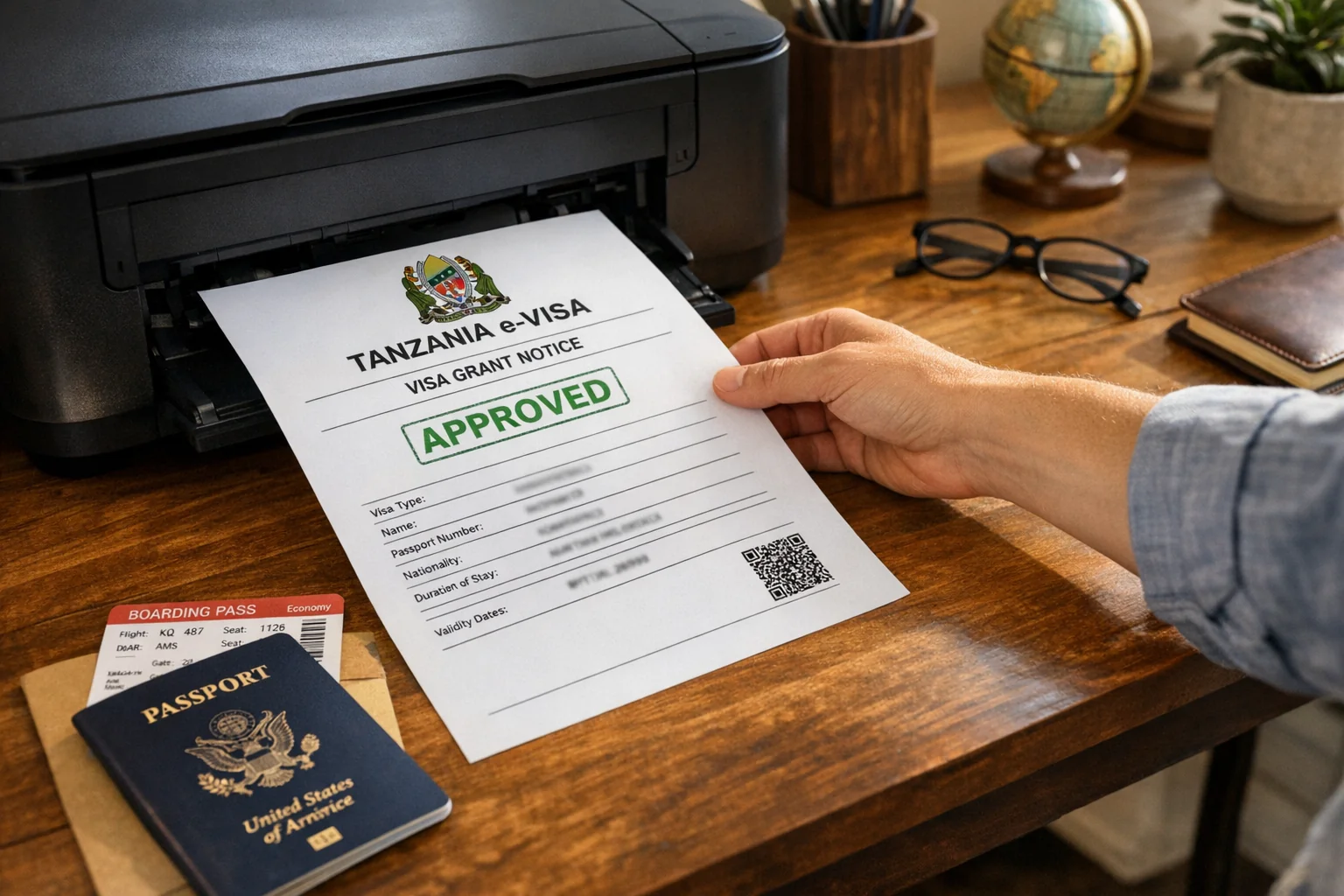
Once your Tanzania e-Visa is approved, you must download the PDF and print a physical copy before travel. Tanzanian immigration officers require a printed copy of your e-Visa at the port of entry — a digital copy on your phone is generally not sufficient.
How to Download Your Tanzania e-Visa
- Go to eservices.immigration.go.tz and log in
- Navigate to "My Applications" in your dashboard
- Click on your approved application
- Click "Download e-Visa" or "Download Certificate"
- Save the PDF file to your device (phone, tablet, or computer)
- Also check your registered email — the approved e-Visa is typically sent as an attachment
File format: PDF
File size: Usually 100–500KB
Contains: Your photo, visa number, validity dates, permitted activities, and entry conditions
How to Print Your Tanzania e-Visa
Print settings:
- Paper: A4 white paper (standard size)
- Color: Color printing preferred, but black and white is also generally accepted
- Quality: Standard or high quality — all text must be clearly legible
- Scale: Print at 100% (do not scale to fit or shrink)
- Copies: Print at least 2 copies — keep one in your hand luggage and one in your checked bag
Where to print:
- Home printer
- Hotel business center
- Airport business lounge
- Print shop or pharmacy
- Library
If you are traveling from a location without a printer, print at your connecting airport or on arrival at your hotel before heading to immigration.
What Does the Tanzania e-Visa Document Look Like?
Your printed Tanzania e-Visa will show:
- The Tanzanian coat of arms
- Your full name
- Passport number
- Nationality
- Date of birth
- Visa type (e.g., Tourist Single Entry)
- Visa number (unique reference)
- Issue date
- Expiry date
- Maximum days of stay
- Permitted port of entry
- Conditions of entry
- Barcode or QR code (for officer verification)
Do I Need to Print Tanzania e-Visa?
Yes. Unlike some countries where a digital copy suffices, Tanzania immigration officers at most ports of entry expect a physical printout. Do not rely solely on your phone screen.
Best practice:
- Print before leaving your home country
- Bring the printed copy in your hand luggage (not checked)
- Keep a second copy in your checked bag as backup
- Store a digital copy on your phone as an additional backup
Can I Show Tanzania e-Visa on My Phone?
While technically the document can be displayed on a phone, this is not the recommended approach:
- Some immigration officers may not accept a phone screen
- Phone batteries can die
- Screens can be difficult to read in bright airport lighting
- Physical copy avoids any dispute
Always print a physical copy. Carry your phone copy as an additional backup only.
Frequently Asked Questions
Related guides: Requirements | Fees | Processing Time